Project time, not just time tracking
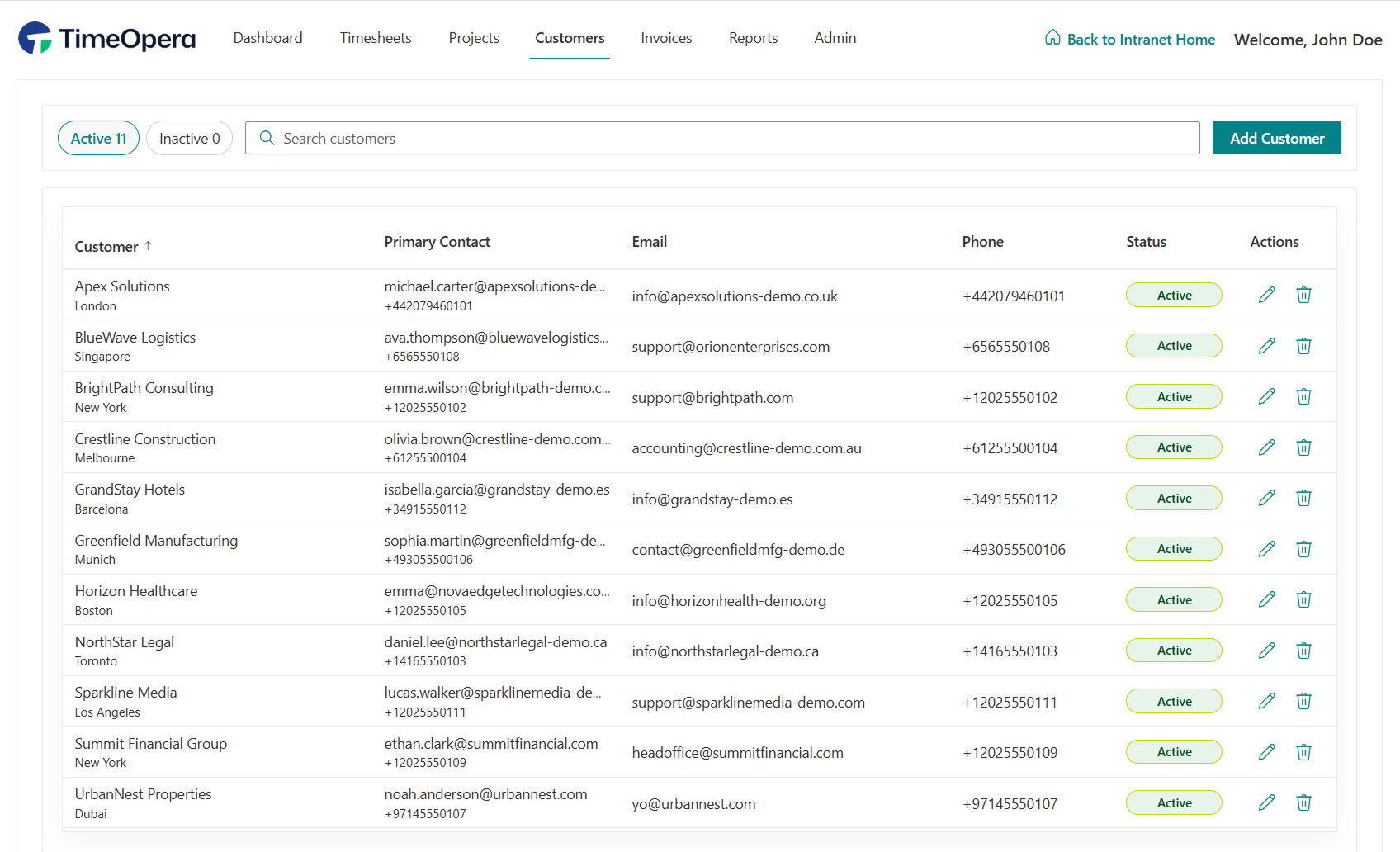
TimeOpera connects customers, projects, sections, tasks, categories, and time entries so every hour has the right business context.
Deploy timesheets and approvals that connect with your tools, plan work, and report outcomes—directly inside Microsoft 365.
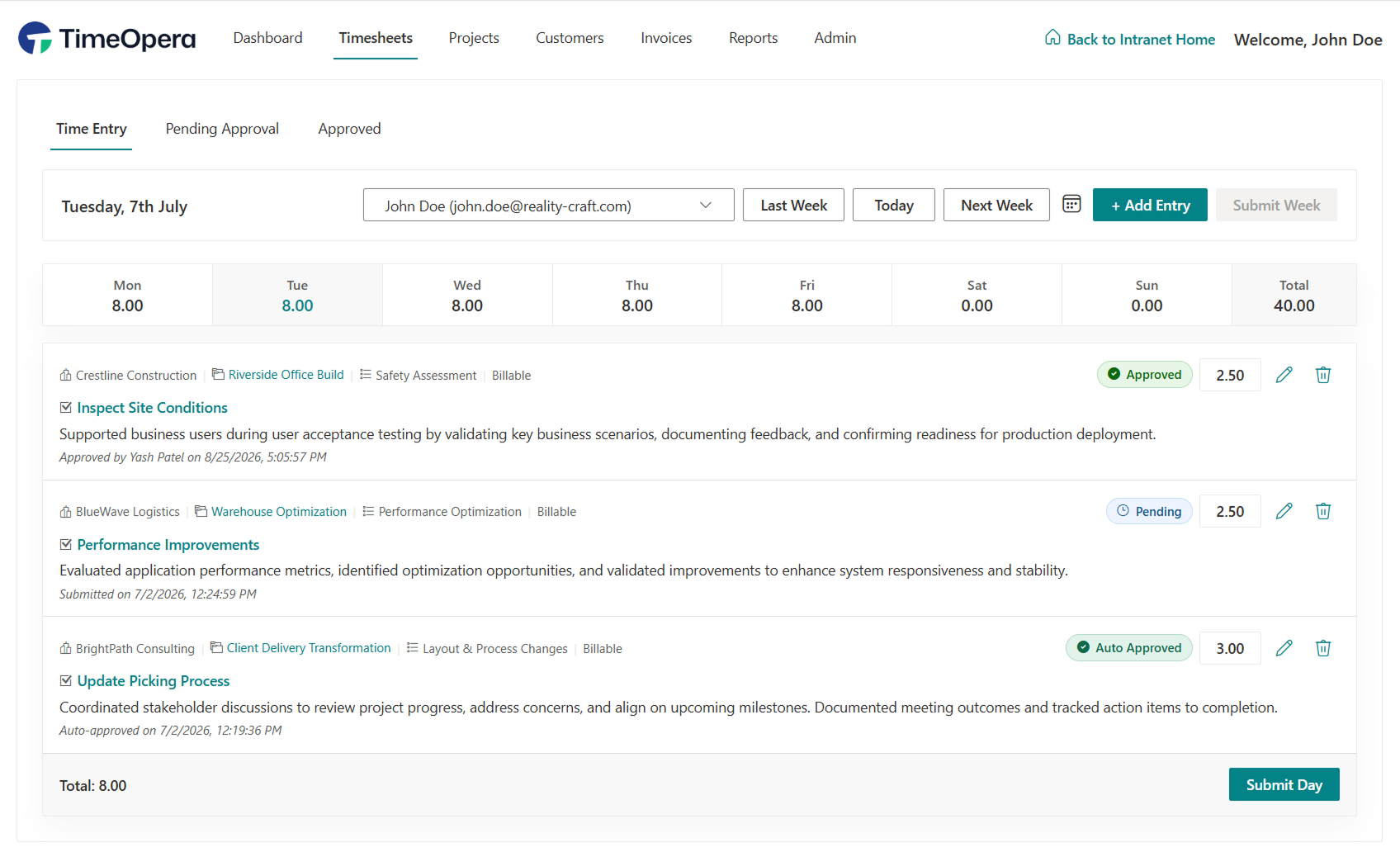
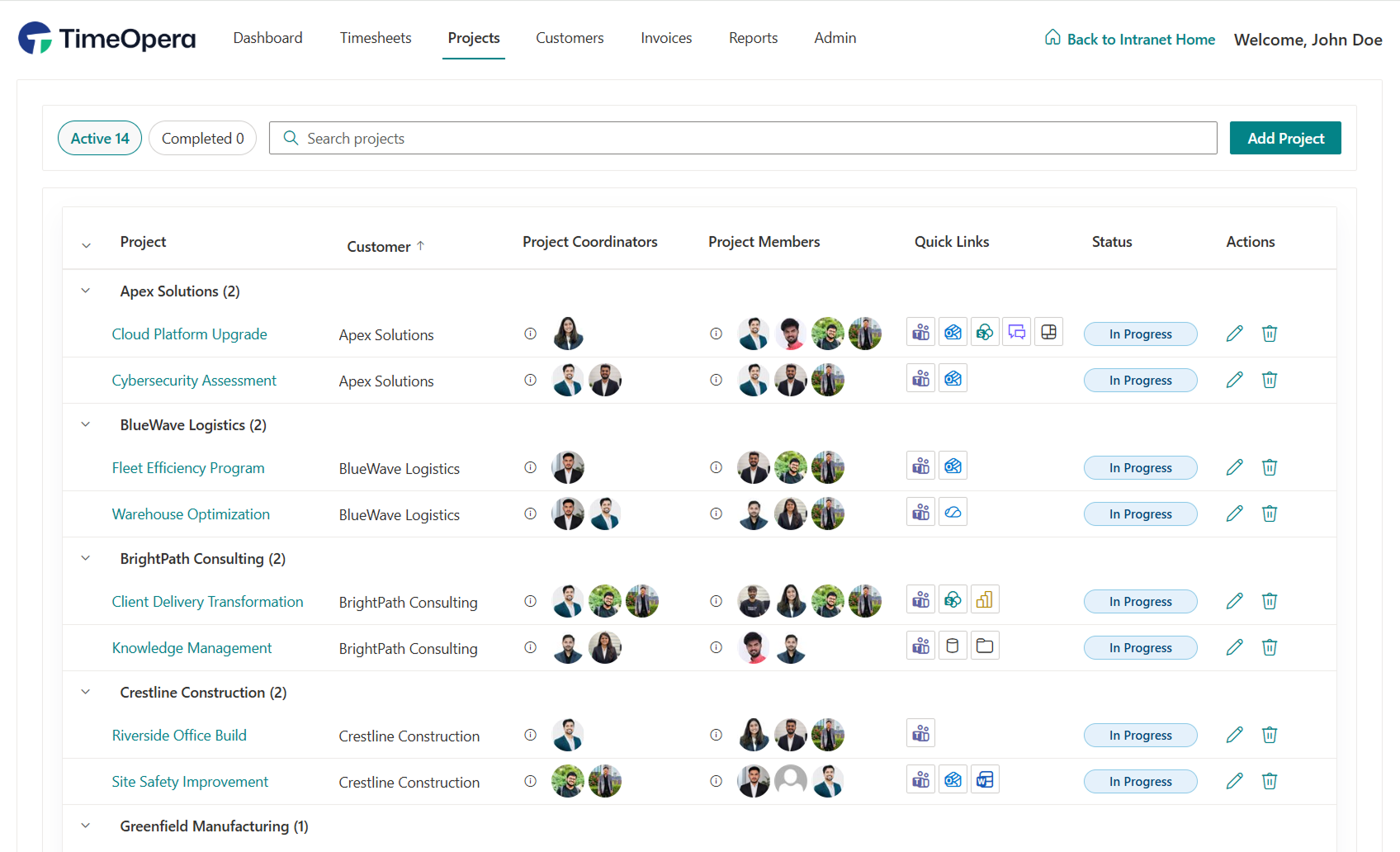
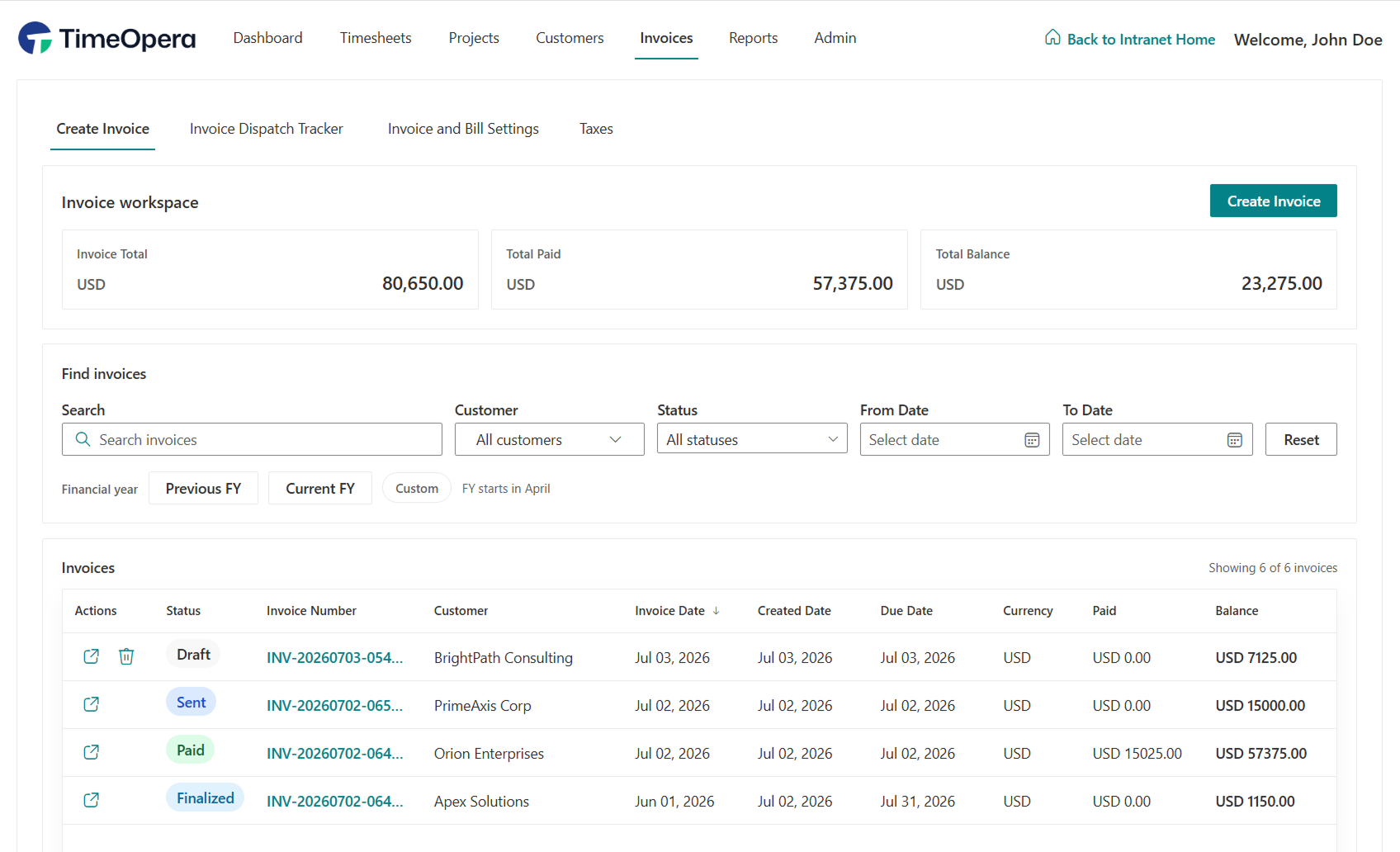
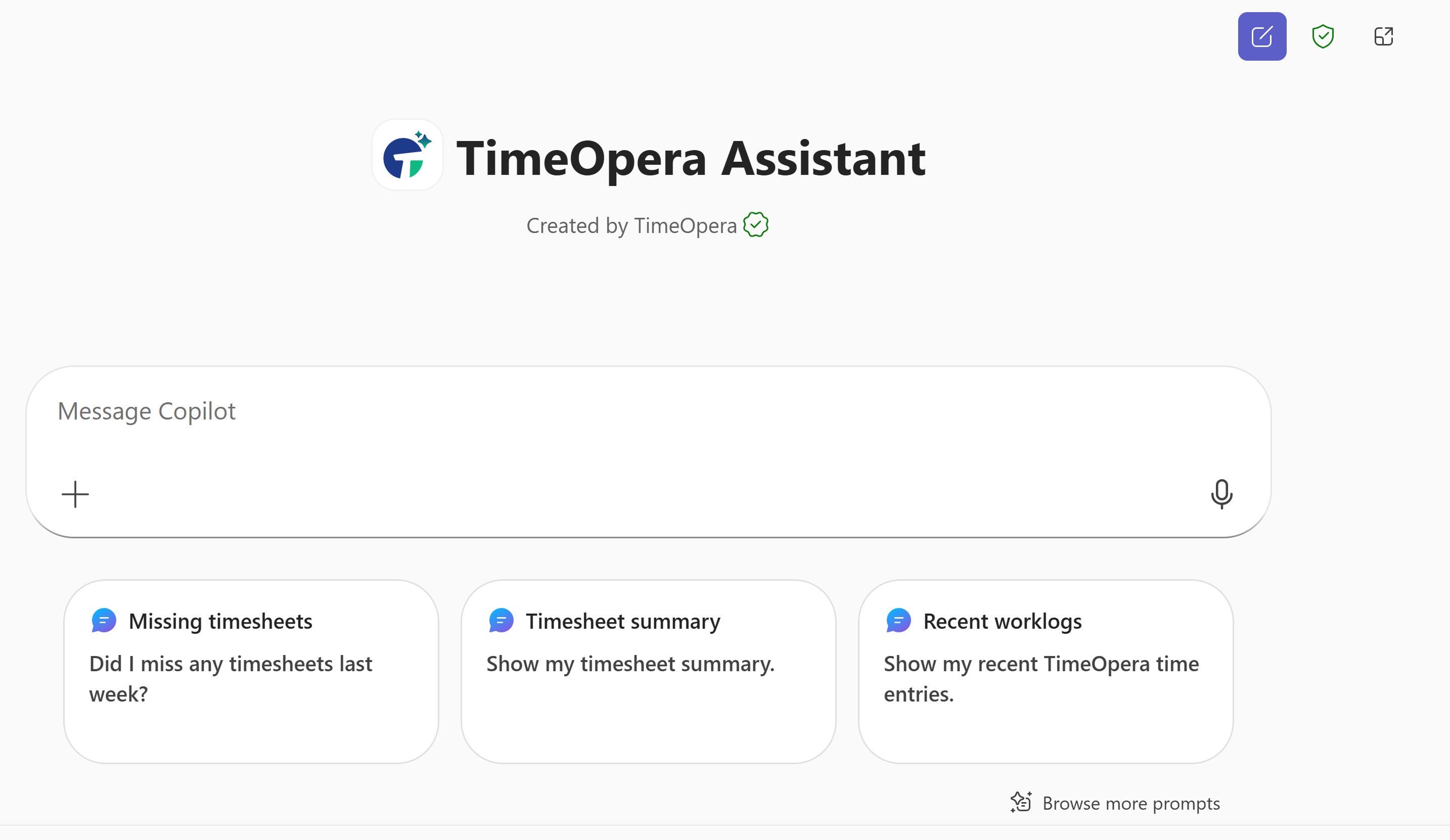
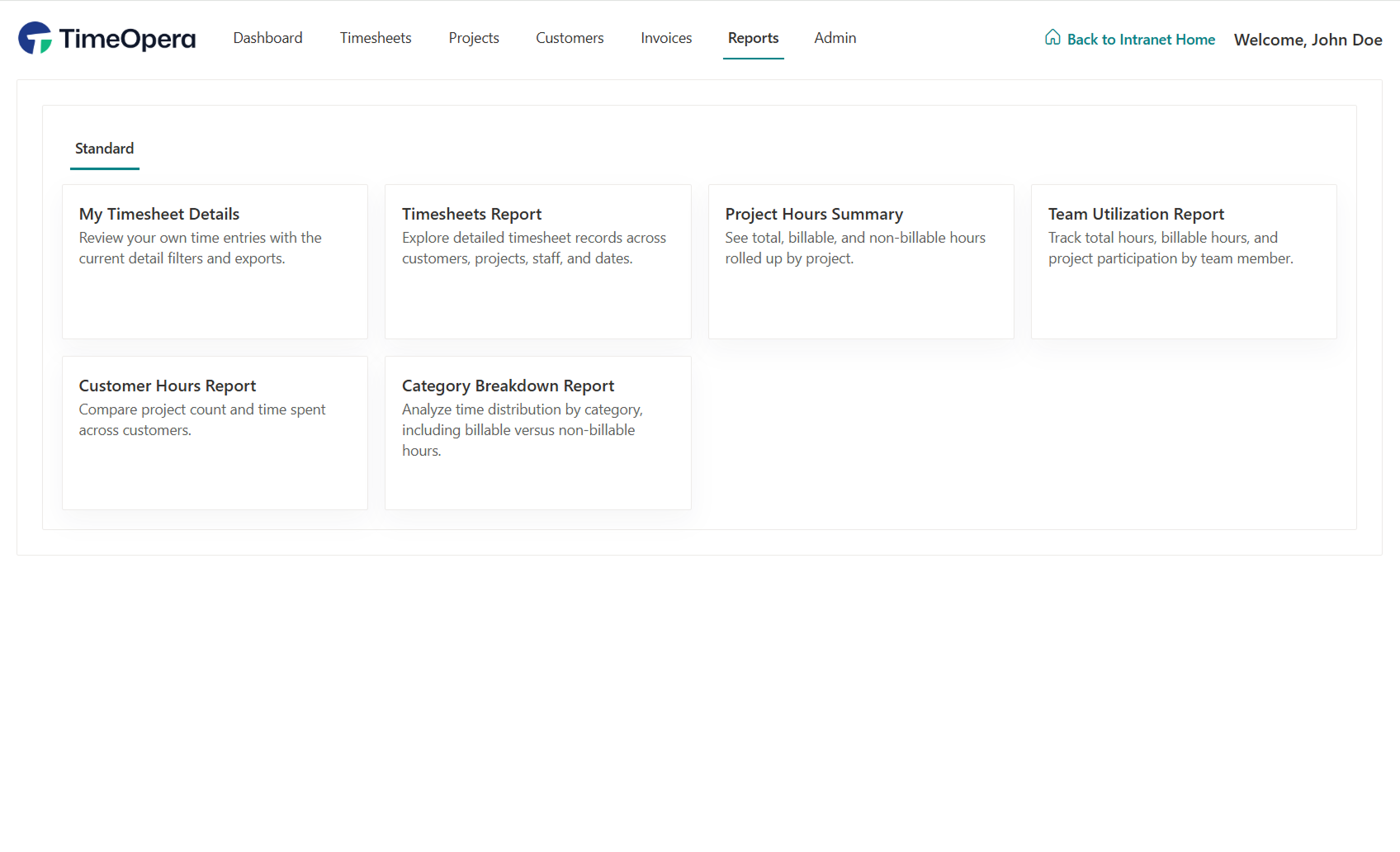
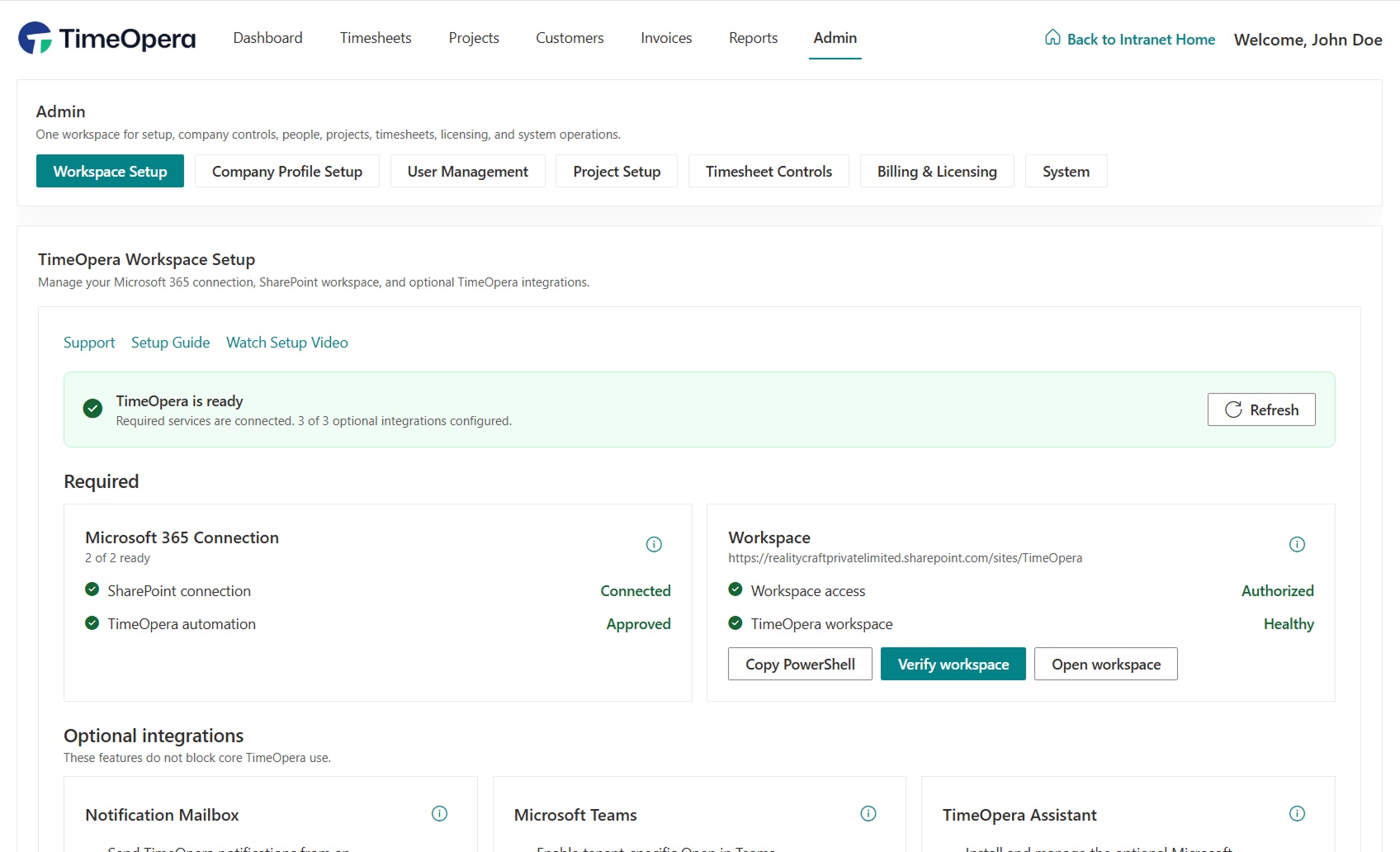
TimeOpera is a Microsoft 365-native project time operations platform for timesheets, approvals, reporting,
invoice preparation, guided onboarding, and read-only AI-assisted visibility.
It helps project teams turn
time into approved, invoice-ready work while storing real business records in the configured TimeOpera
SharePoint workspace site in the customer’s Microsoft 365 tenant.
Many timesheet tools ask teams to move project time, approval status, and billing preparation into yet another external workspace. TimeOpera takes a different approach. It is designed for Microsoft 365 environments, with structured timesheets, project-based approvals, reporting, invoice preparation, and AI-assisted visibility connected to the way your team already works.

TimeOpera connects customers, projects, sections, tasks, categories, and time entries so every hour has the right business context.
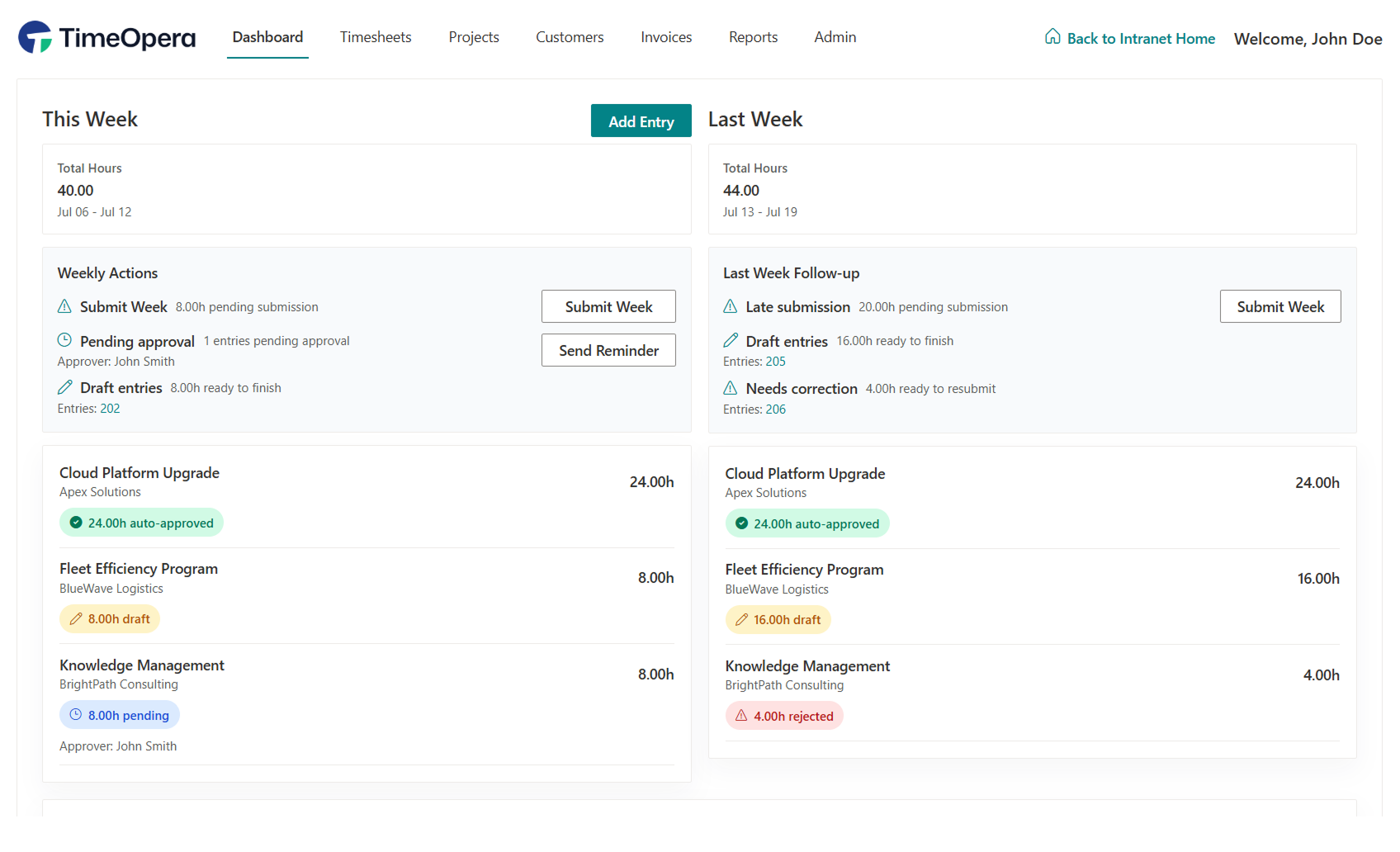
Submitted time moves through pending, approved, rejected, auto-approved, and invoiced states so teams know what is ready, what needs review, and what is locked.
TimeOpera Assistant helps users ask natural-language questions about timesheets, approvals, reports, and invoice readiness while following the same role and project assignment boundaries.
Your real TimeOpera business records are stored in the configured TimeOpera SharePoint workspace site in your Microsoft 365 tenant. TimeOpera does not maintain a separate external application database containing those real business records.
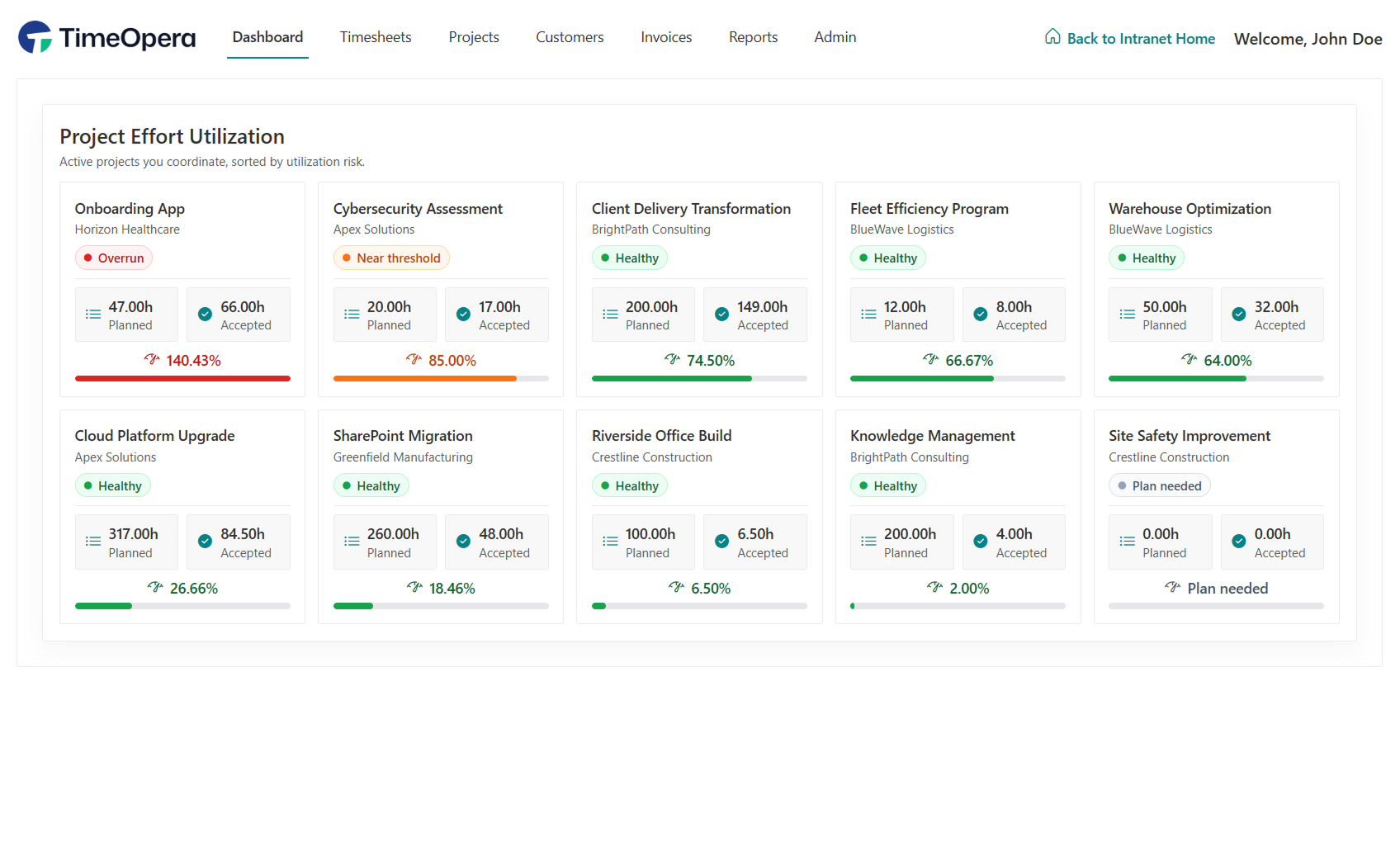
Ask natural-language questions about timesheets, approvals, project effort, utilization, and invoice readiness — securely inside Microsoft 365 Copilot.
TimeOpera aligns with your industry-specific timesheet tracking, approval workflows, and billing operations natively within Microsoft 365.
Optimize billable utilization ratios, shorten client invoicing preparation, and support compliance natively.
Explore Professional Services → IT ConsultingMonitor software delivery margins, track sprint milestones, and manage developer billing rates inside Teams.
Explore IT Consulting → Microsoft PartnersLeverage your Microsoft cloud alignment. Store all client timesheet records securely in your own SharePoint site.
Explore Microsoft Partners → MSPsCoordinate support time tracking aligned with SLAs, manage role permissions, and prepare clean billing logs.
Explore Managed Service Providers → Project TeamsSupport cross-functional collaboration and multi-project visibility while enforcing approval lock gates.
Explore Project-Based Teams →How modern software teams and agencies use TimeOpera and Microsoft 365 to eliminate invoice delays and streamline timesheet operations.
Unlike typical external timesheet solutions, TimeOpera integrates natively with your Microsoft 365 services and is fully supported on mobile devices through Teams.
| Feature / Capability | Typical External Timesheet Solutions | TimeOpera |
|---|---|---|
| Microsoft Teams Integration |
None or basic iframe
|
Native Teams App integration
|
| Mobile Device Support |
Requires separate app install & login
|
Yes (Natively via Teams Mobile App)
|
| Data Storage & Sovereignty |
Stored on third-party SaaS servers
|
Real business records stored in the configured TimeOpera SharePoint workspace site
|
| User Authentication |
Separate usernames & passwords
|
Single Sign-On via Microsoft Entra ID
|
| Read-Only AI Assistant |
None or external addon
|
Read-only, role-aware Assistant with no write actions
|
Get started with TimeOpera, validate in your Microsoft 365 environment, and scale based on the users who need access.
TimeOpera is priced for project-based teams that need structured timesheets, approval workflows, reporting, invoice preparation, and AI-assisted visibility in Microsoft 365.
Get started with onboarding, confirm fit with your users and workflow, and then expand based on your team size.
TimeOpera is designed with a guided onboarding process, clear documentation, and training resources. If you need help during setup, our team is available by email.
We typically respond within a few business hours during business days.
Start TimeOpera onboarding or book a demo to see how your Microsoft 365 team can track time, manage approvals, prepare invoice-ready work, and ask TimeOpera Assistant what needs attention.