Teams
Microsoft Teams Access
Deployed as an organization-managed Teams app for desktop, web, and mobile, letting teams track time where they communicate.
A unified timesheet, approval, reporting, and invoice preparation platform built directly inside your Microsoft 365 workspace tenant.
Take a visual tour through TimeOpera's 8 core workspaces for project time capture, review, governance, and billing.
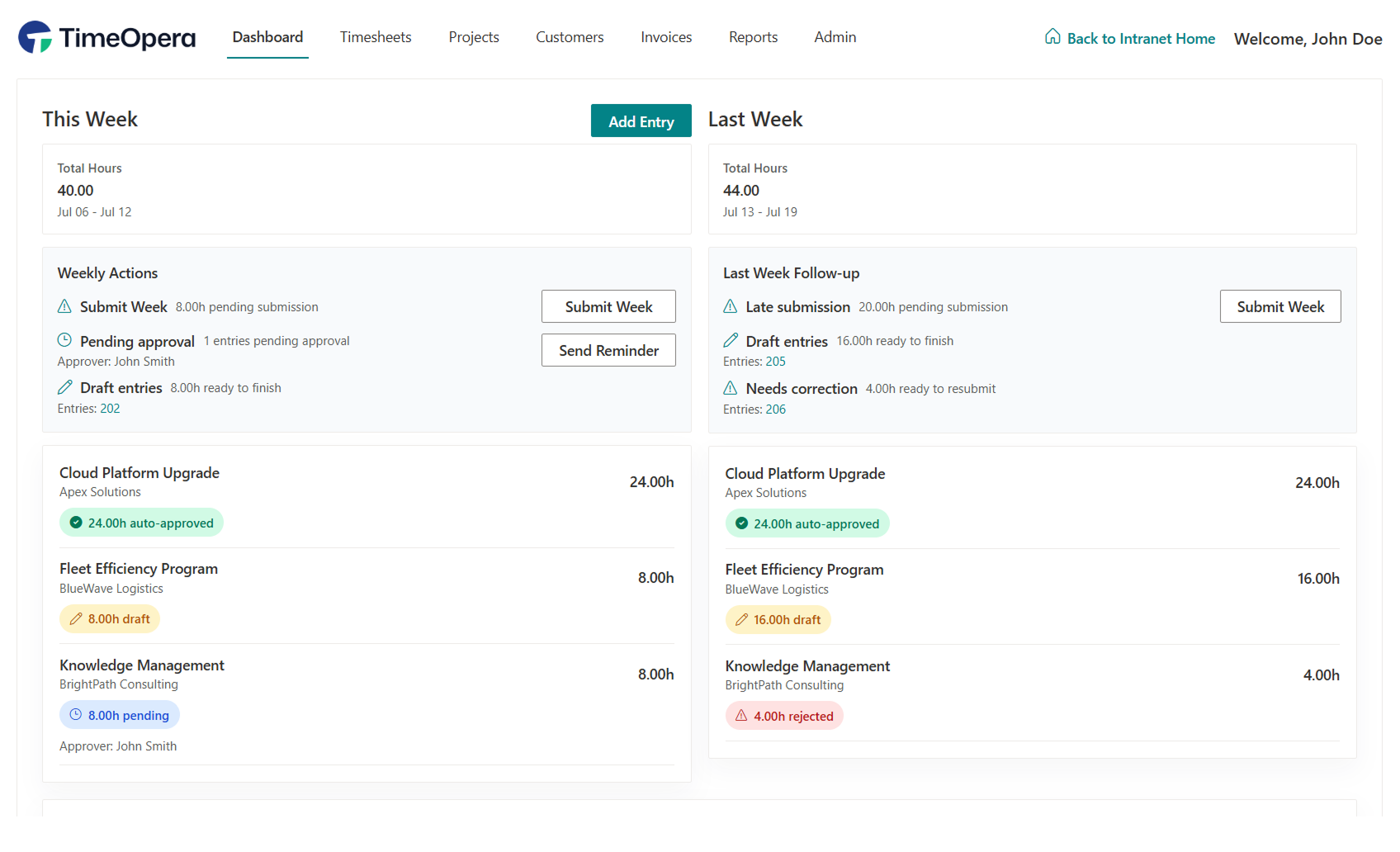
Gain instant, centralized visibility into organization metrics, active project budgets, team utilization, and timesheet completion status.
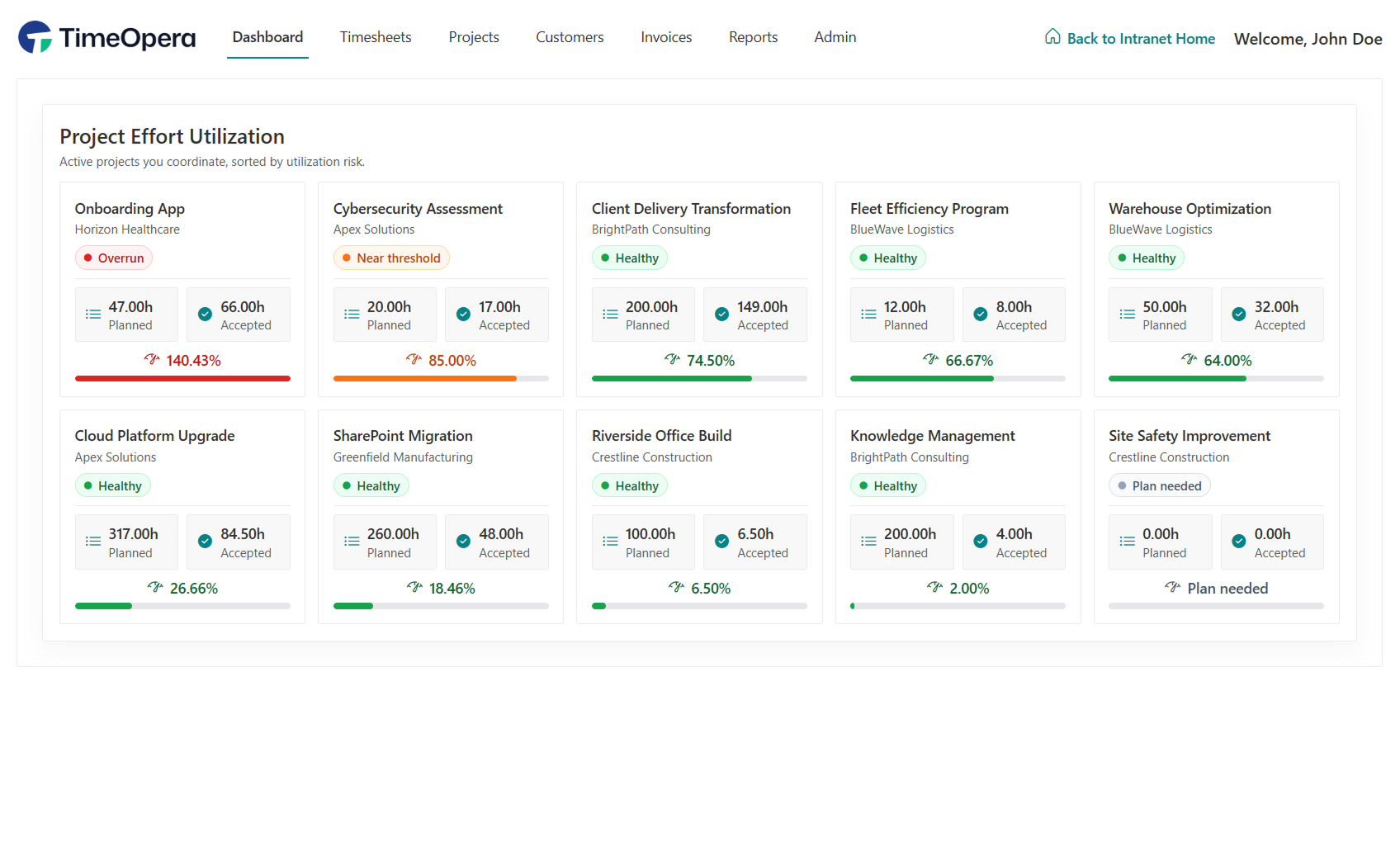
Monitor active project health, track planned versus accepted hours, and detect utilization risks before budgets overrun.
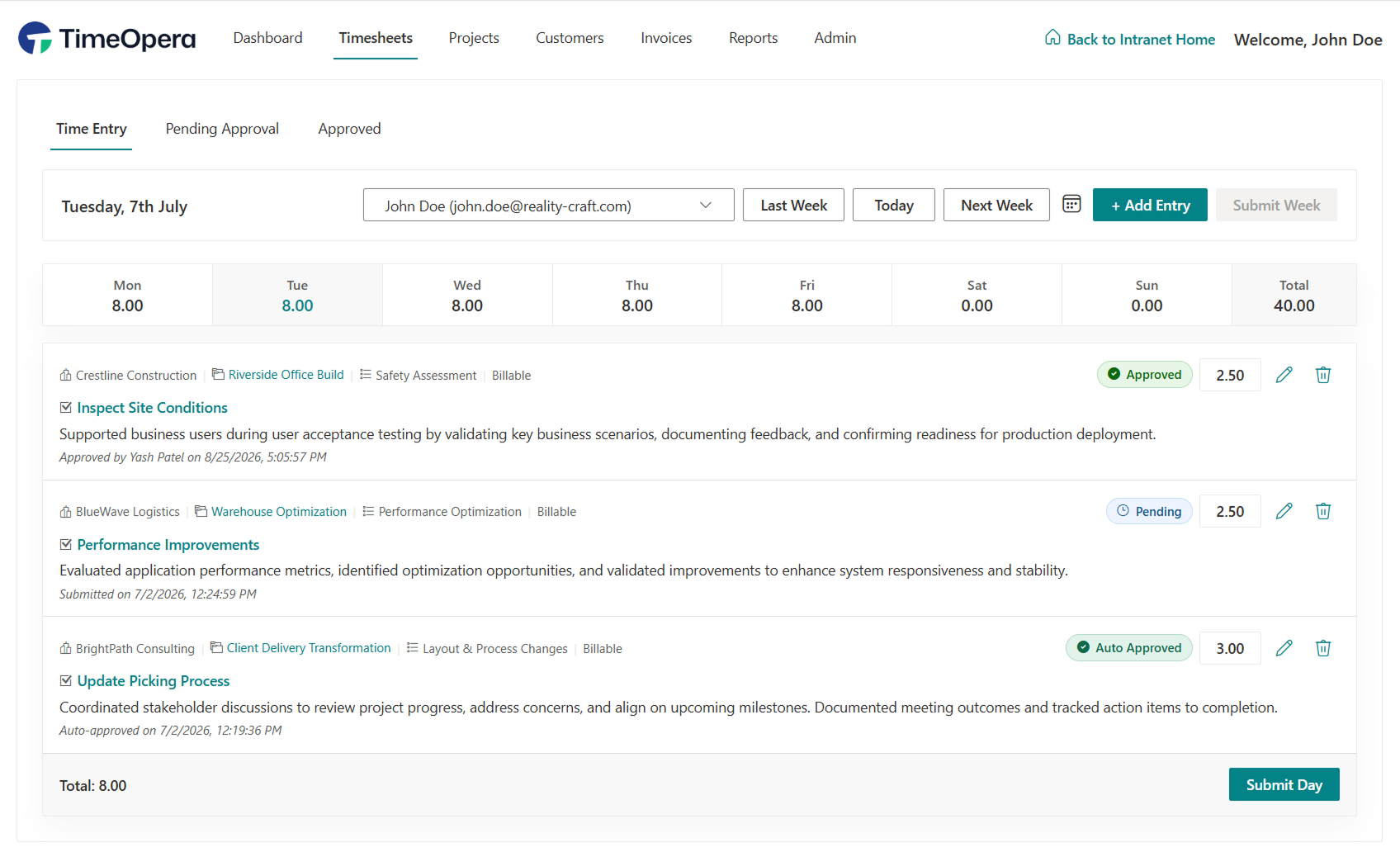
Accurately record client, project, task, billable, and non-billable time. Designed to be straightforward for users, keeping time entry friction to a minimum.
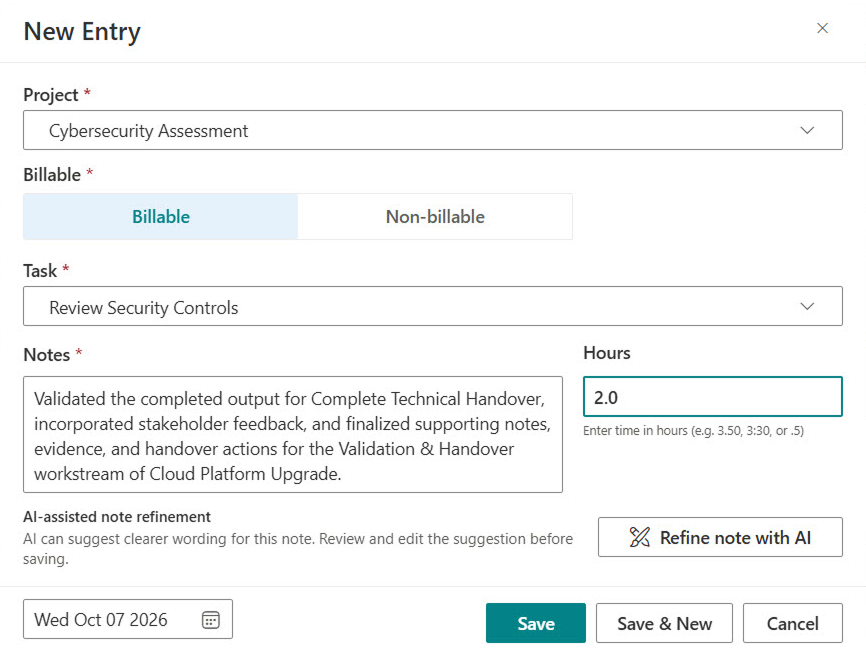
Log dedicated time entries with customer, project, and task tags, complete with AI-assisted note refinement to clarify and polish client-facing work descriptions.
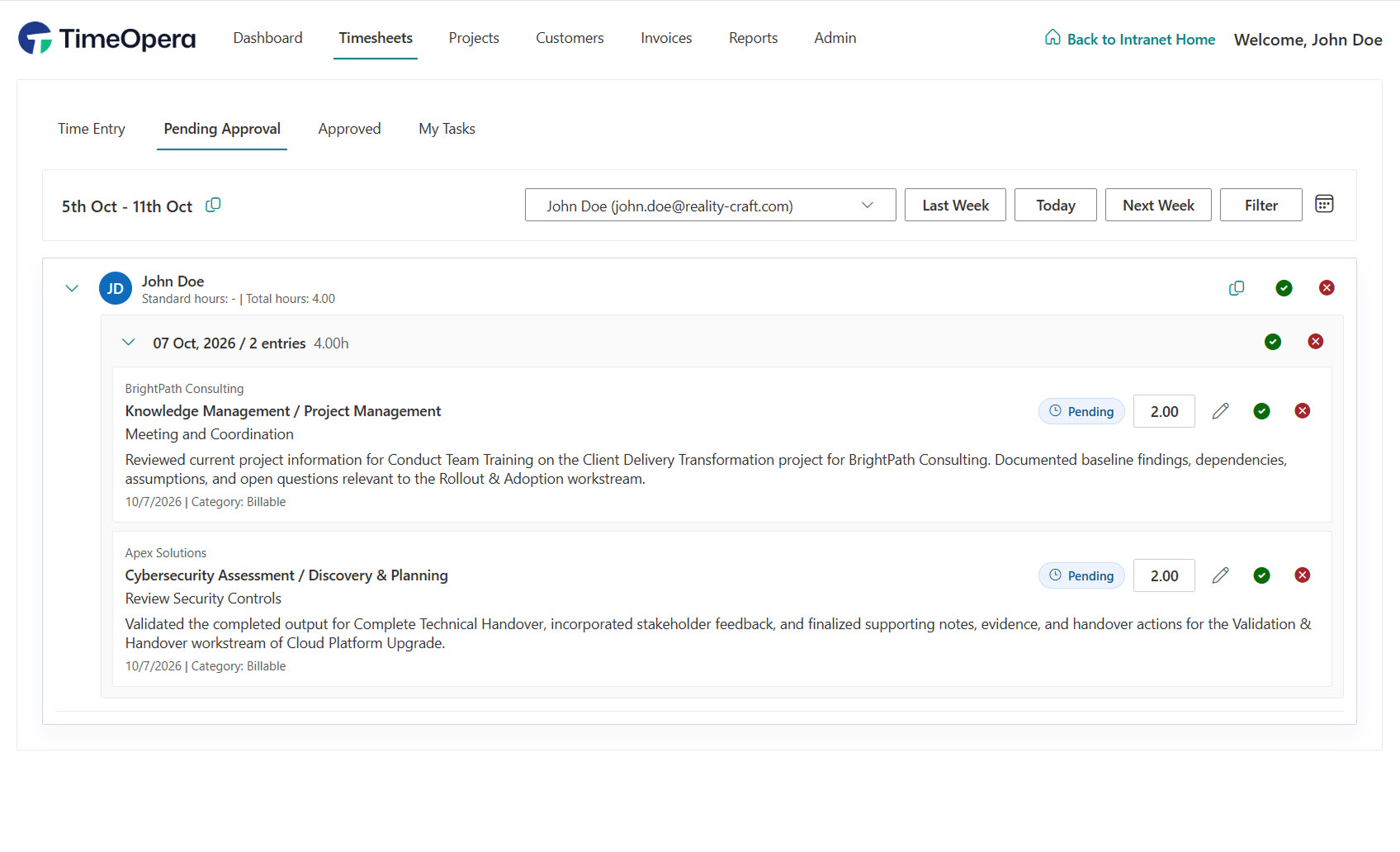
Track submitted timesheet periods awaiting manager approval with live status badges, daily entry breakdowns, and time totals per project.
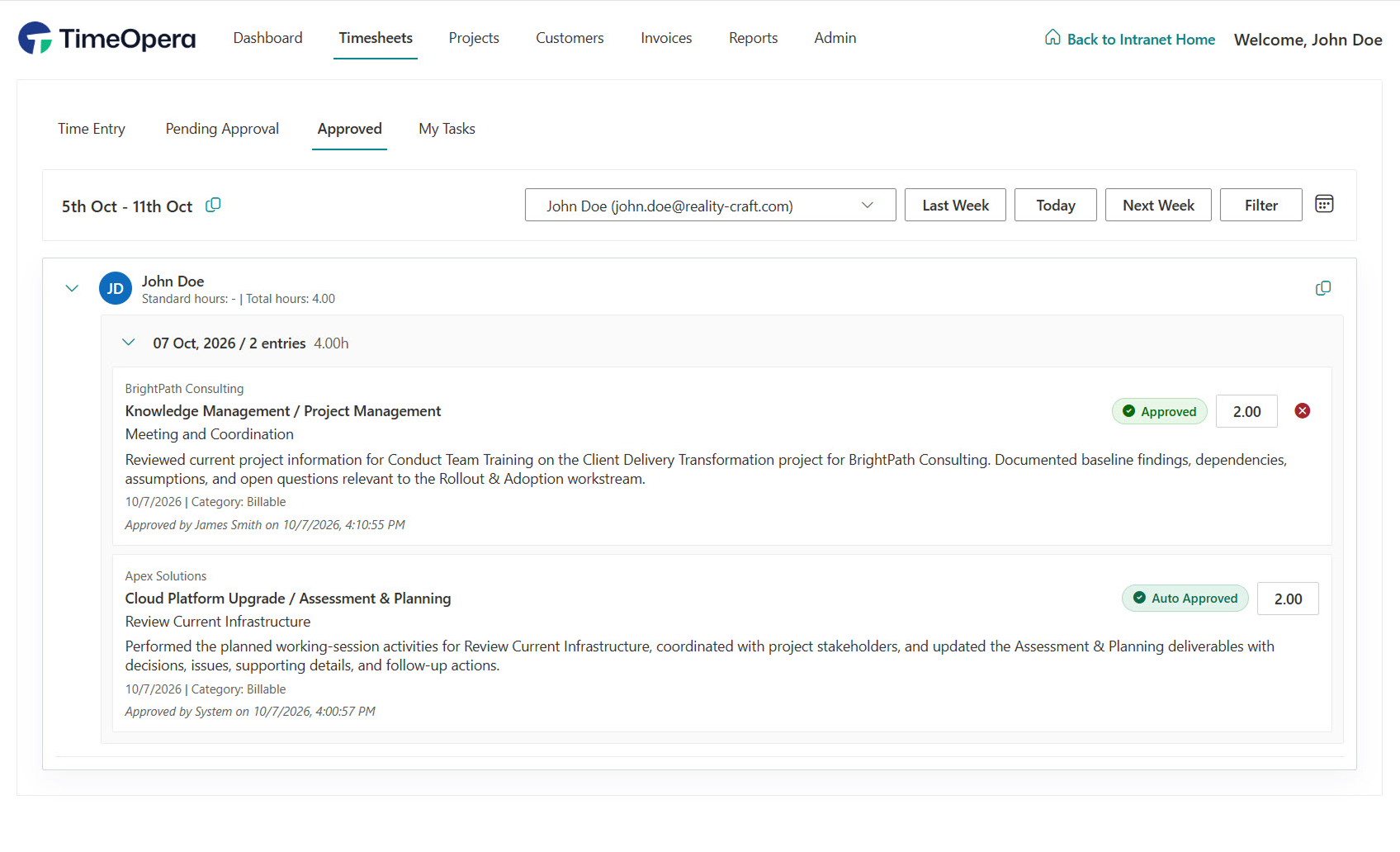
Audit finalized time logs with complete visibility into who approved each work item, approval timestamps, and automated approval rules.
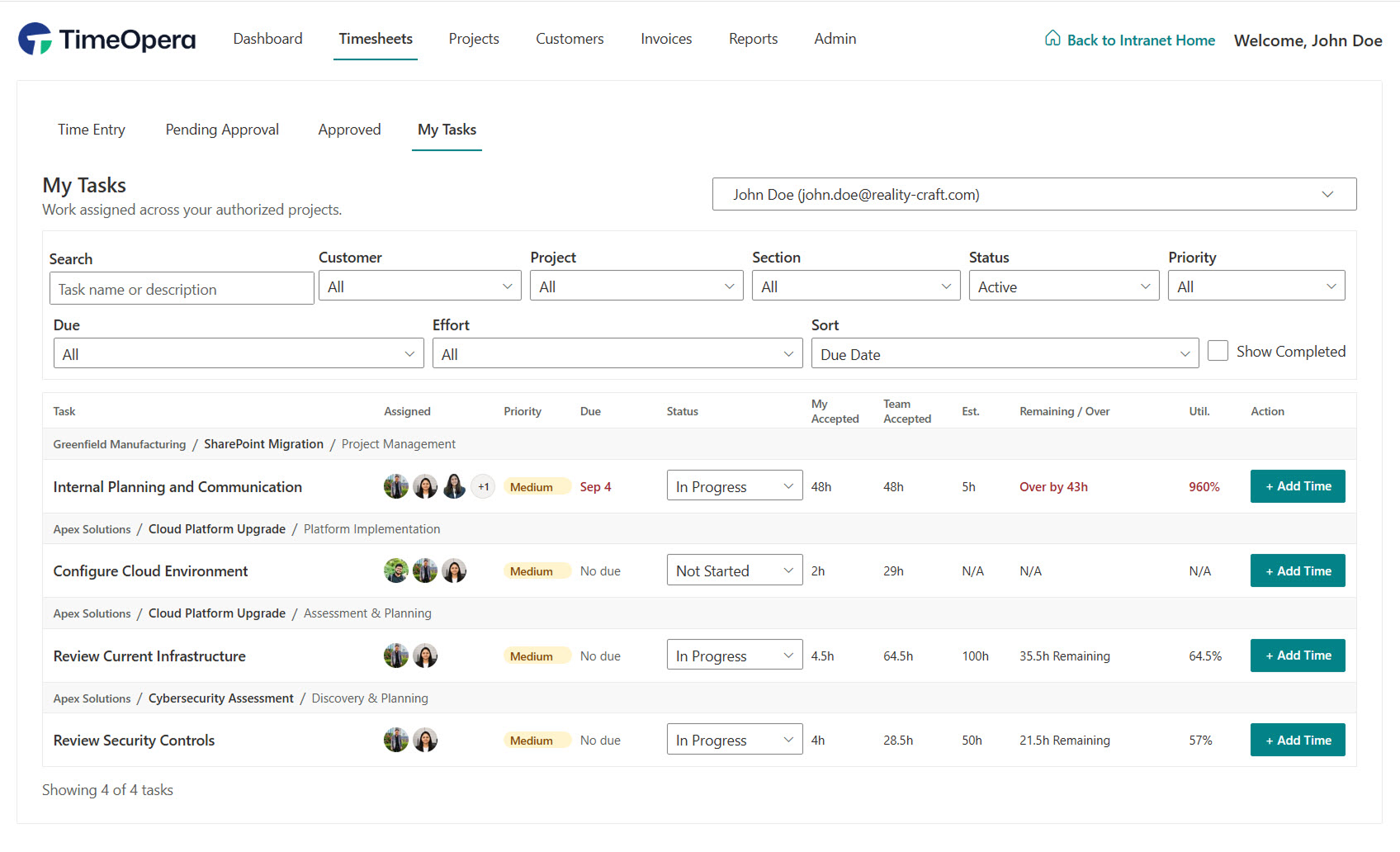
Stay on top of personal project work with direct task status tracking, effort estimates versus accepted hours, and quick time logging shortcuts.
Move submitted timesheets through structured review, approval, rejection, and lock workflows that match your organization rules.
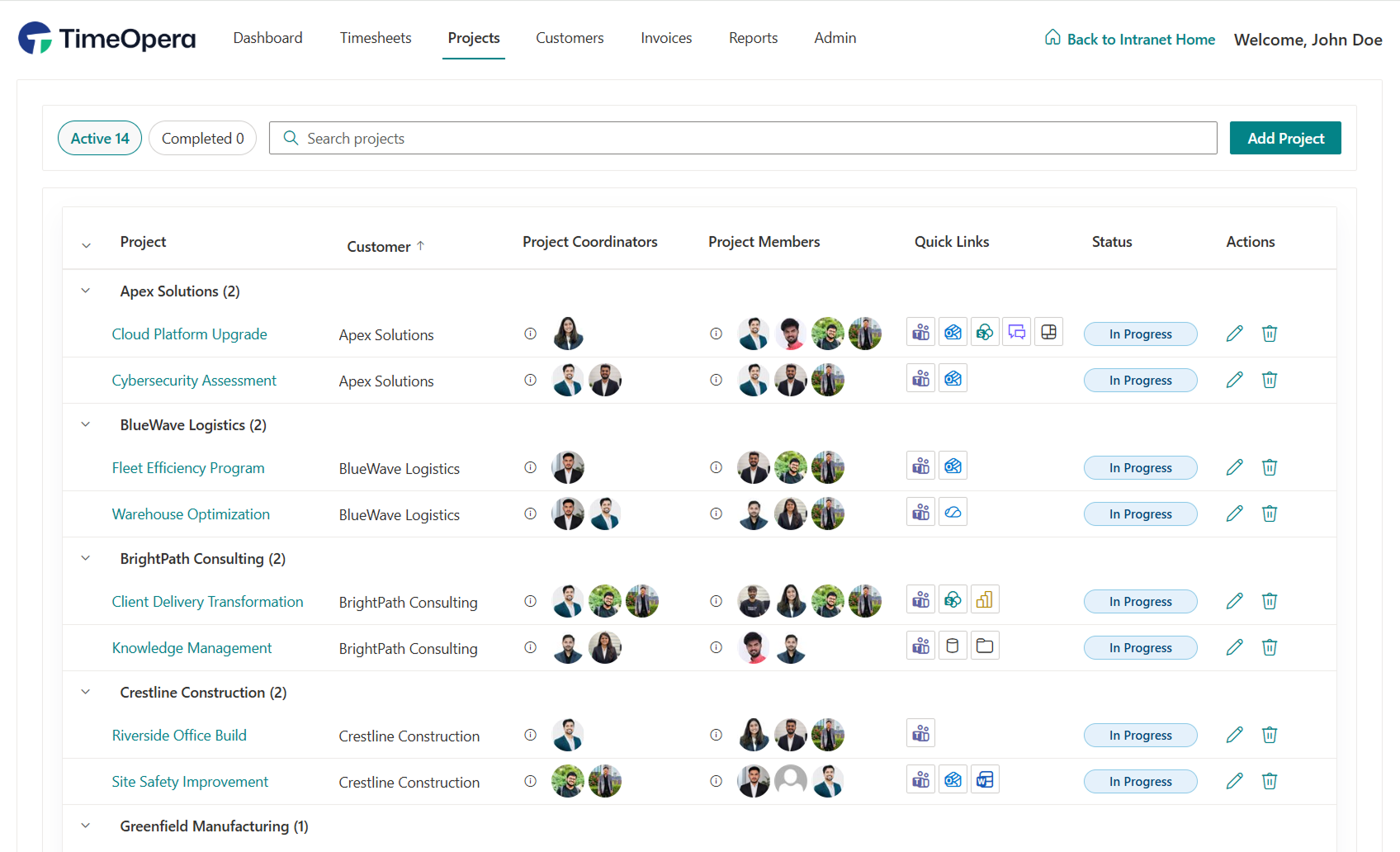
Manage project deliverables, task schedules, team assignees, and real-time commercial hours decrements in a unified view.
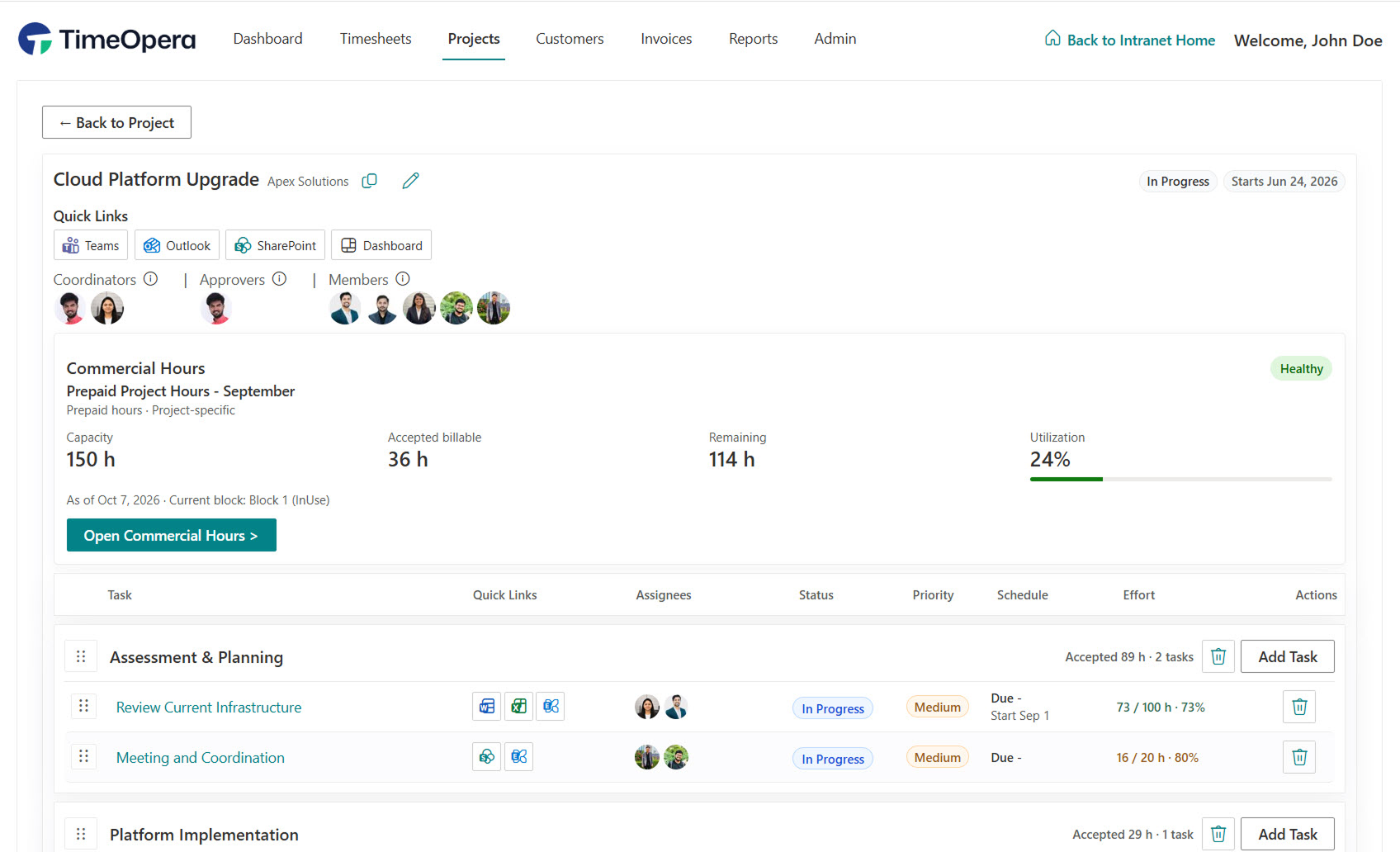
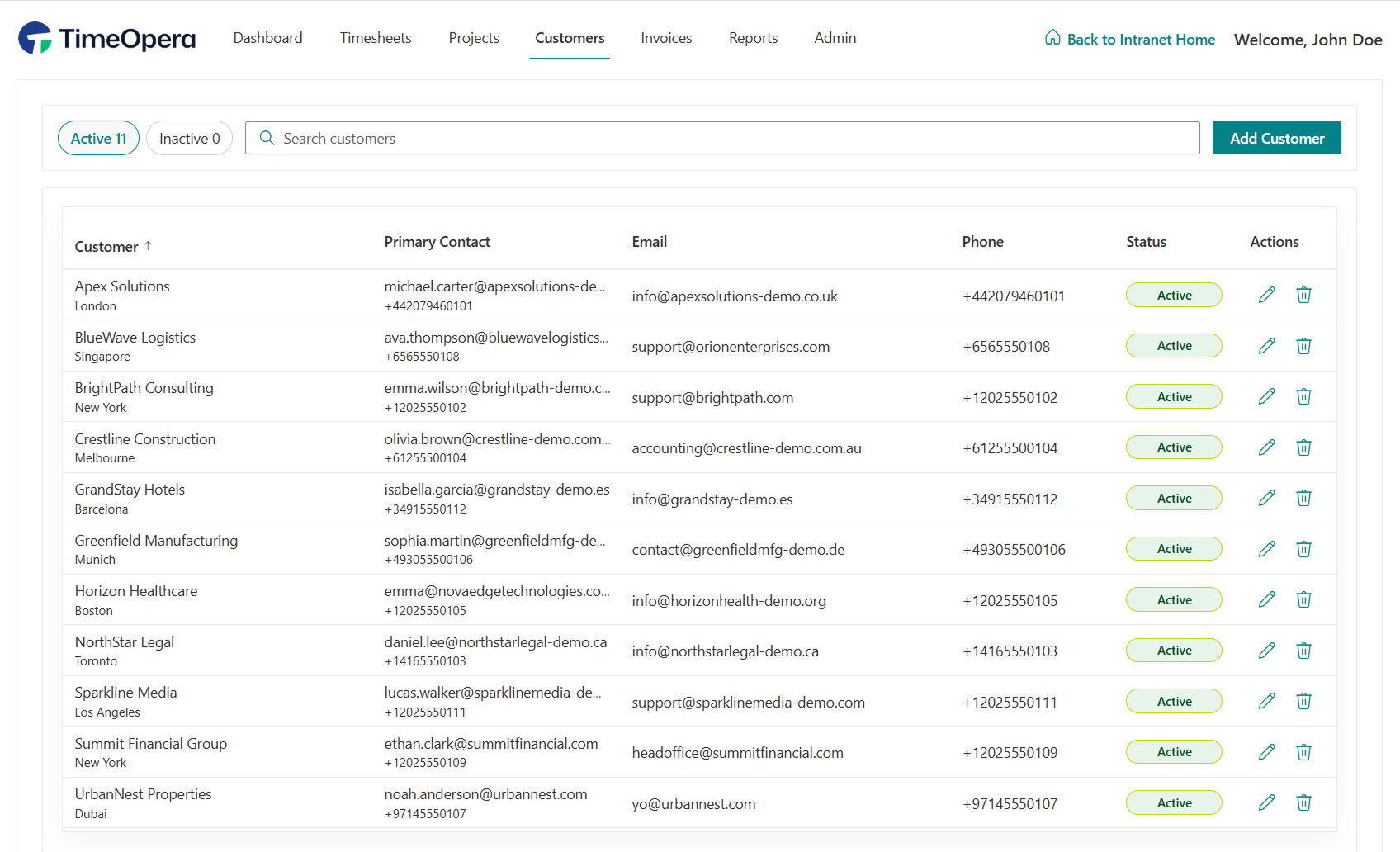
Structure your project directory to match client deliverables. Group activities into phases, tasks, and categories with central billing rates.
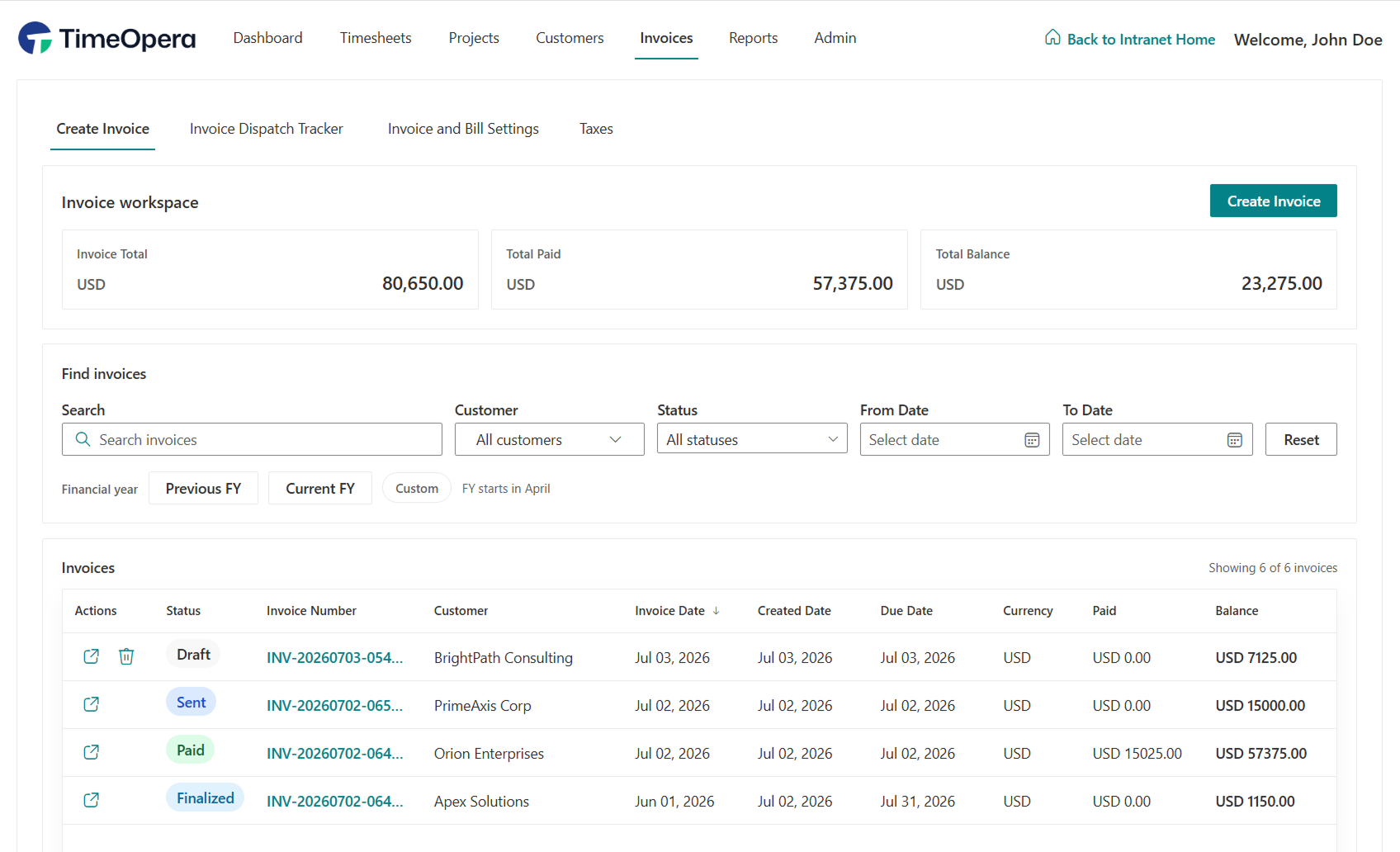
Turn approved project time into invoice-ready work. Keep track of what has been billed, what remains, and tax allocations centrally.
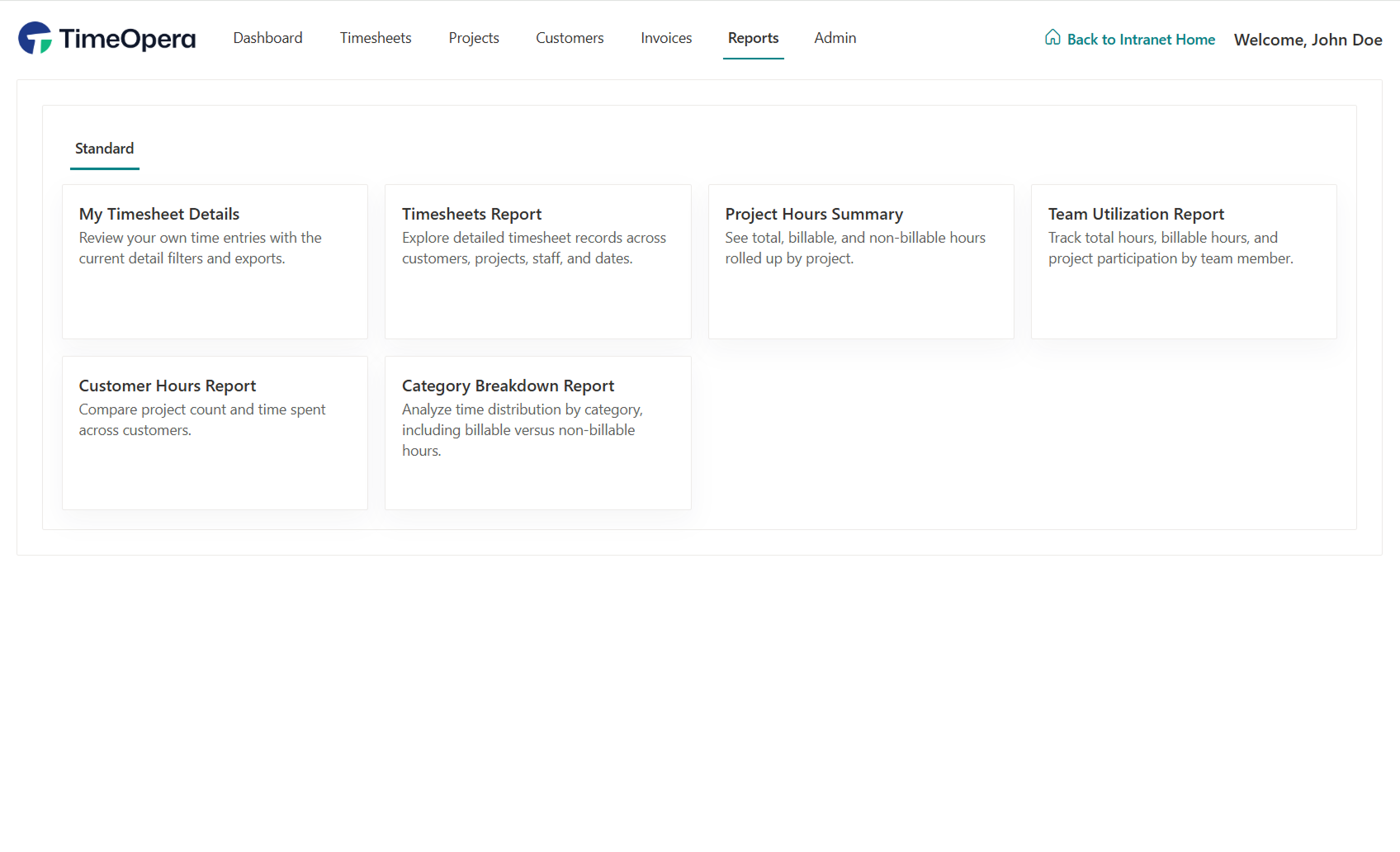
Review project effort, utilization, missing timesheets, and operational trends using built-in visual reports.
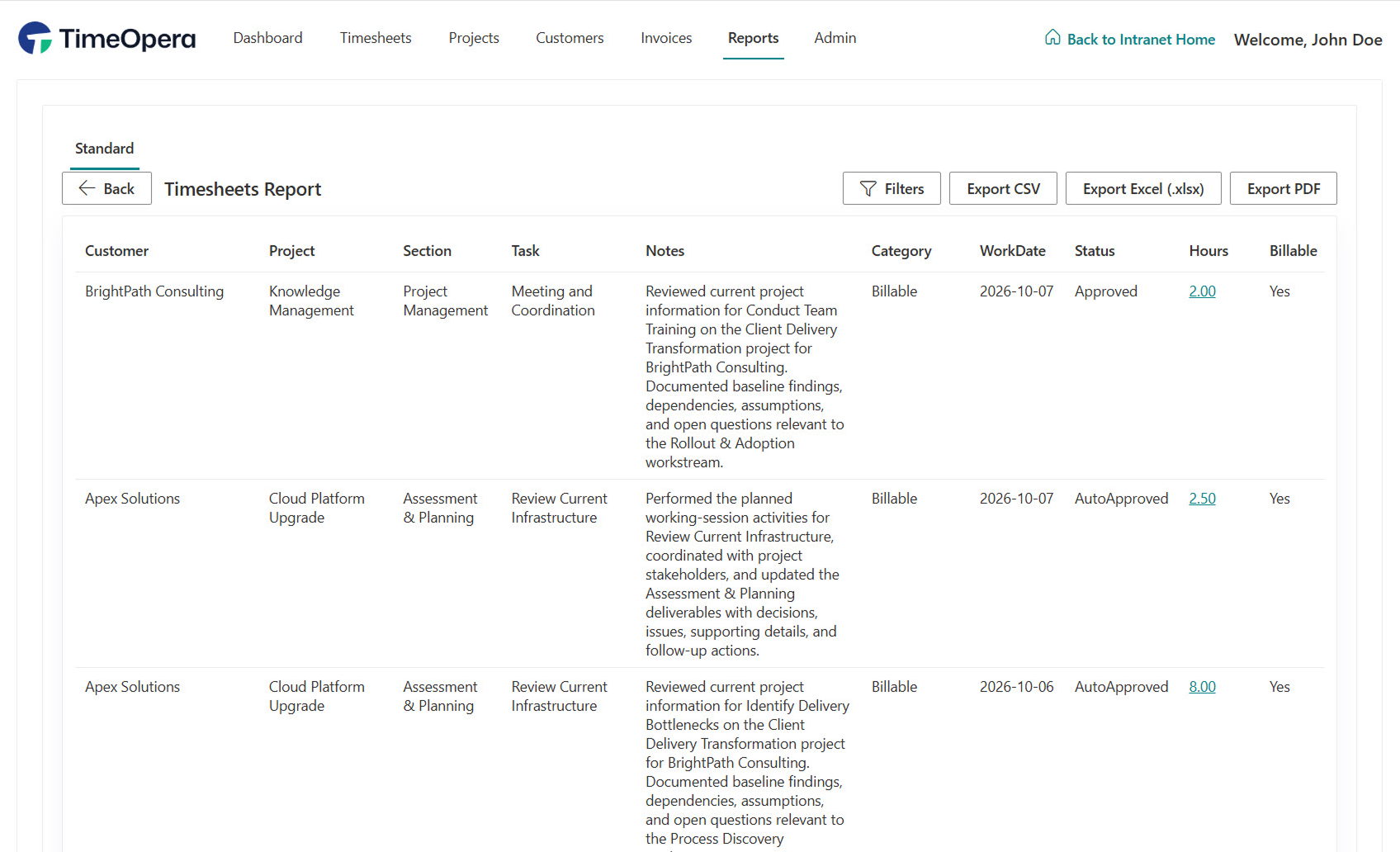
Filter, inspect, and export line-item timesheet entries across customers, projects, and work dates with full audit trails.
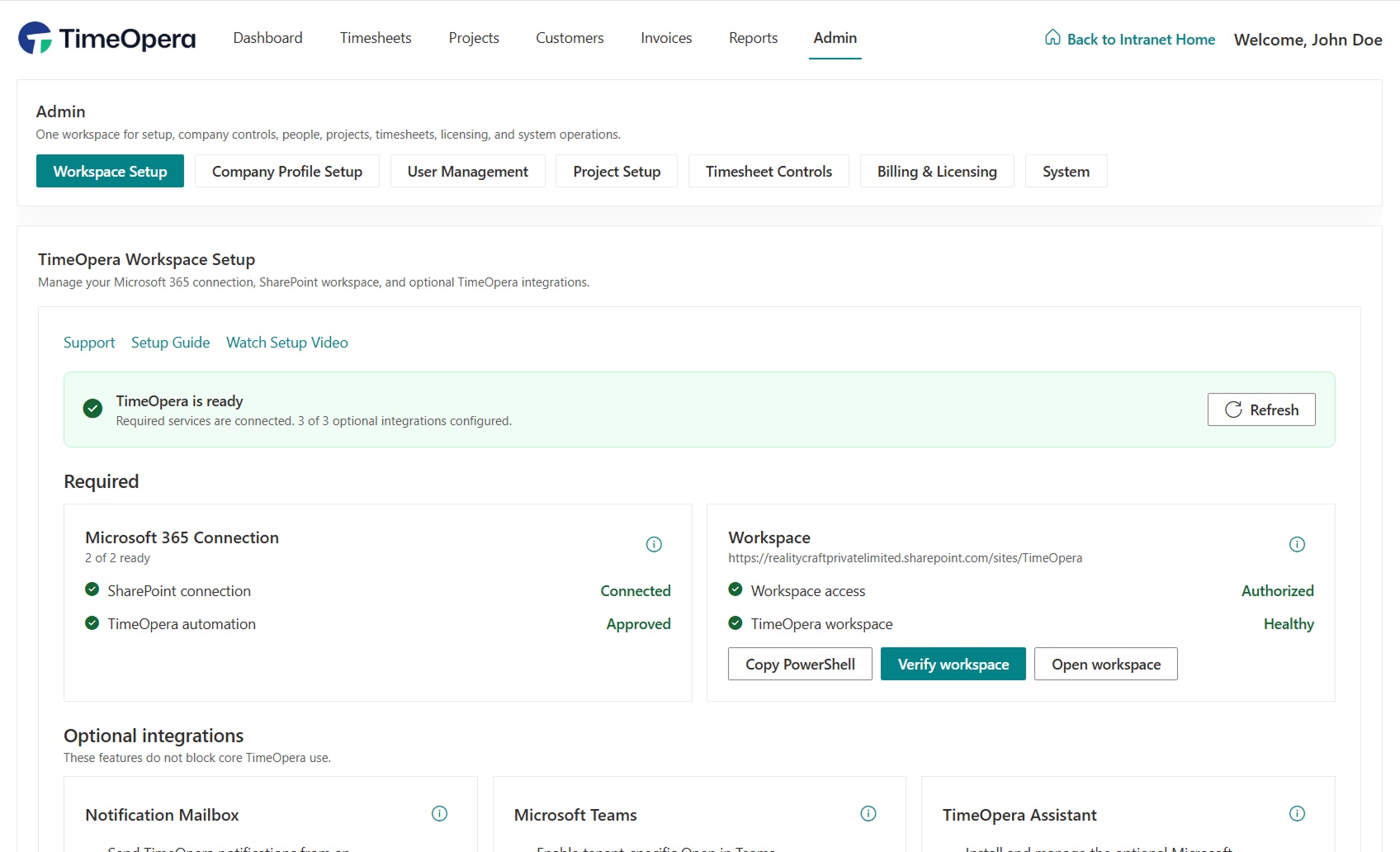
Manage your Microsoft 365 connection, SharePoint workspace, Teams deployment, and system automation health centrally.
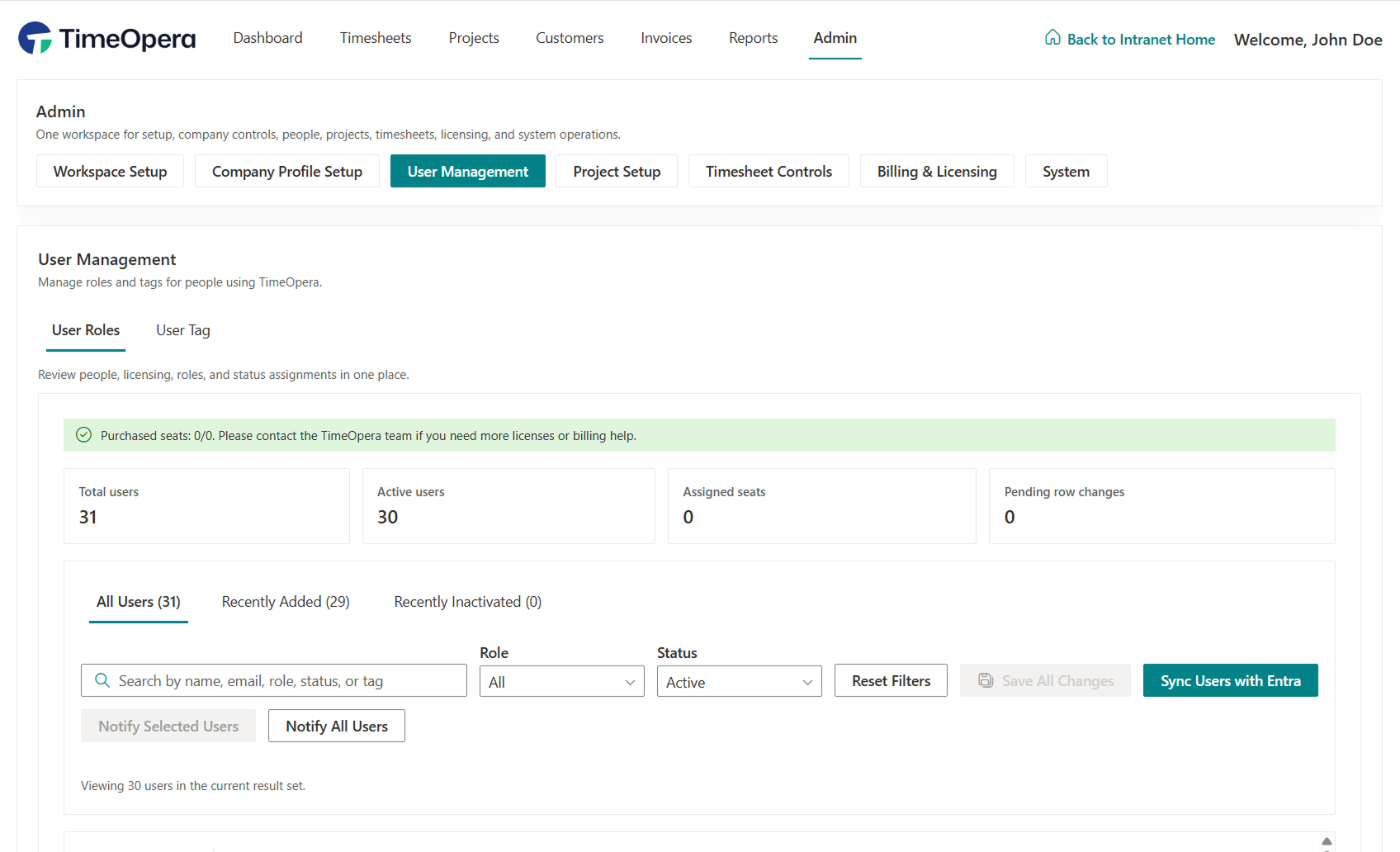
Synchronize with Microsoft Entra ID and assign central roles (Timesheet Users, Project Managers, Finance Admins, System Admins) to govern dashboard capabilities.
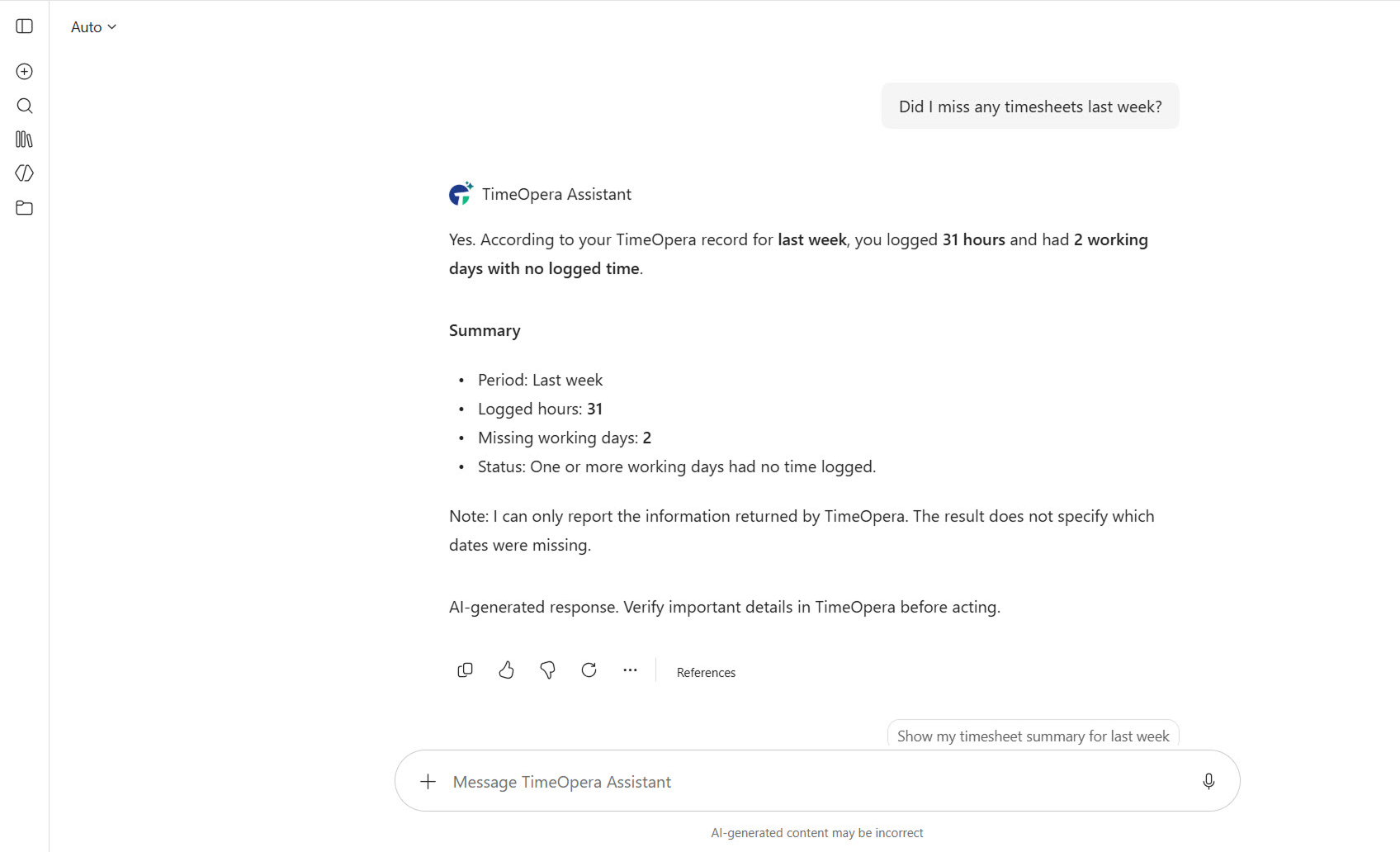
Interact with a role-aware AI assistant powered by Microsoft 365 Copilot to query your time, project balances, and pending actions.
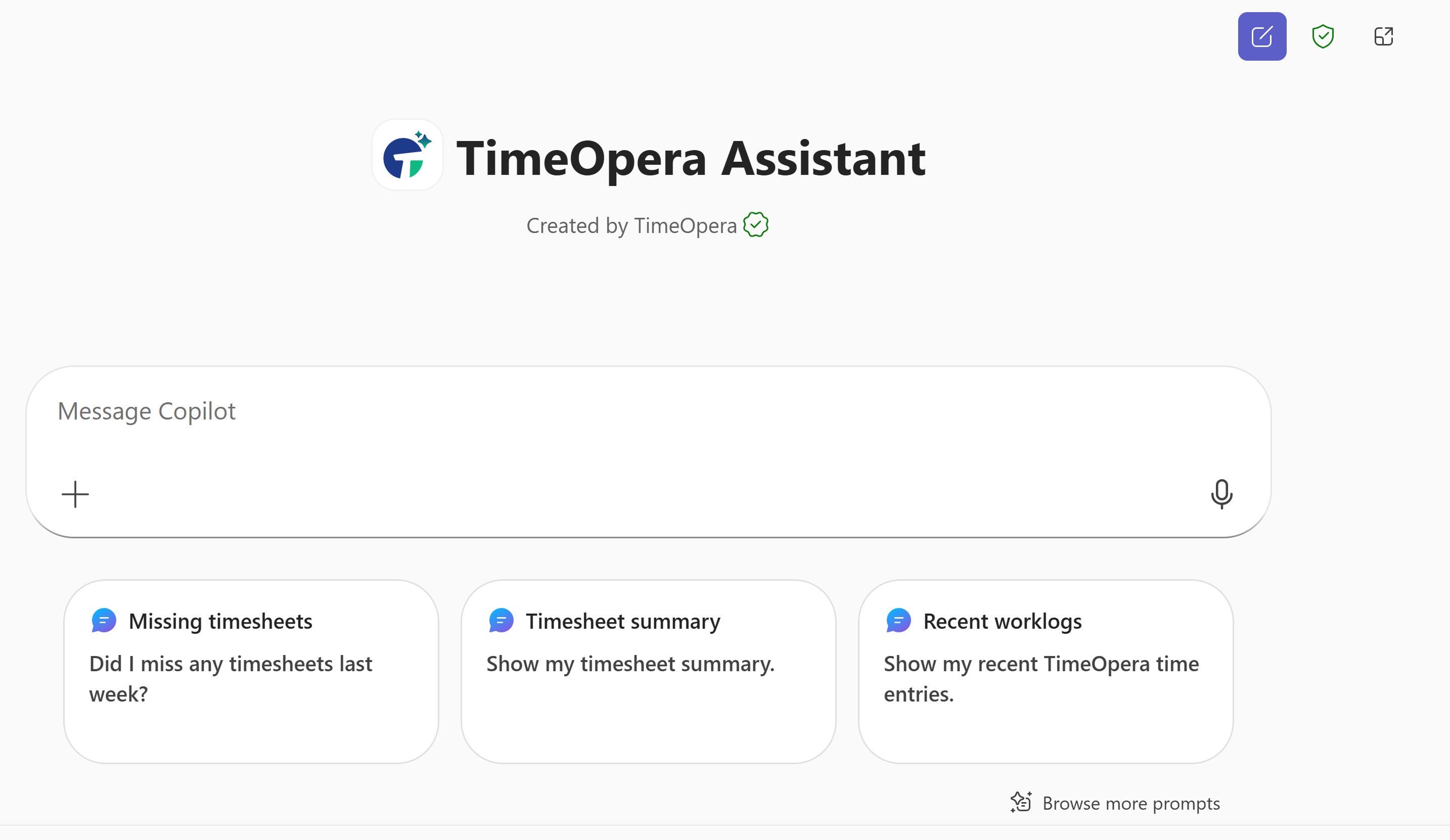
Get instant, accurate answers on logged hours, missing days, and project allocations derived directly from live TimeOpera records.
TimeOpera is built to run natively within your existing Microsoft stack, reducing implementation costs and securing your corporate records.
Deployed as an organization-managed Teams app for desktop, web, and mobile, letting teams track time where they communicate.
All TimeOpera business records reside in a designated SharePoint site inside your tenant, maintaining data sovereignty.
A read-only, role-aware assistant that integrates with Microsoft 365 Copilot to answer time, approval, and invoice queries.
Explore the core capabilities powering project time operations in Microsoft 365. Click any capability card to open its dedicated category page and inspect its business rationale and operational workflow.
Get started with TimeOpera directly or schedule a demonstration with our product specialists.